IKEA Forecast Analysis Report.
A SAP ABAP-based 52-week demand forecast tracking and visualization suite. Long-term planning data coming from IKEA was transformed into an analytical reporting environment — letting business users track weekly demand changes, compare forecast revisions and visually monitor production-planning impact directly inside SAP.
Making 52 weeks of forecast readable.
IKEA sends order forecasts that span a 52-week horizon, broken down by article, customer, design (desen) and product type (tip). For a large customer like IKEA those forecasts change every week — and each revision ripples straight into production, planning, stock, shipping and capacity.
The report suite exists to answer one deceptively simple question for the planning team: "how has the order forecast for this product / customer / week changed?" — and to answer it visually, in one place, fast enough to act on.
It is not a list dump. It is a forecast analysis & decision-support environment built inside SAP: dynamic week columns, percentage-change calculations, comparison views and graphical output, fed by an Excel-to-SAP loader and kept current by a scheduled update job.
Why it was built.
Forecast revisions were tracked by hand.
IKEA's 52-week forecast data was followed in Excel and manual lists. Because the data spreads across such a long horizon, week-to-week differences were hard to see, it wasn't obvious which product's demand had risen or fallen, and planners had to do a lot of manual cross-checking before they could decide anything. A classic report approach simply wasn't enough.
A SAP-native forecast analytics suite.
Seven custom ABAP programs read the forecast into SAP, process the 52-week structure with dynamic tables, compute weekly percentage changes, and present everything on ALV Grid screens backed by bar / line / pie charts. Planners moved from manually diffing spreadsheets to reading demand shifts on a single, comparable, visual screen.
Seven programs, one flow.
One loader brings IKEA's Excel forecast into SAP, one job keeps it fresh, and five reports turn it into something planners can act on.
Excel → SAP forecast loader
Reads IKEA's structured forecast workbook into SAP tables with validation and logging — the single source of truth every report sits on top of.
Forecast update / refresh job
Keeps the stored forecast current as new revisions arrive — reconciling incoming data so the reporting layer always reflects the latest IKEA position.
SPI Report — article / customer / week
The core ALV output: stock, safety stock, goods in transit, open orders and sales history per article, customer and week.
Quantity · Revenue · m² report
Design-level totals over the full 52 weeks with percentage shares, plus an interactive pie chart selectable by quantity, revenue or square-meter.
Weekly distribution by design & type
Dynamic Week01–Week52 columns showing how quantity is spread across the year for each design and product type — drill-down enabled.
SPI tracking — revision comparison
Compares forecast revisions side by side and computes week-over-week difference (Δ) columns, surfacing exactly what changed and by how much.
SPI tracking chart
The graphical companion to the tracking report — a grouped bar chart of designs across weeks, so revision trends read at a glance.
From selection screen to decision.
Selection screen
IKEA Quantity · Revenue · m²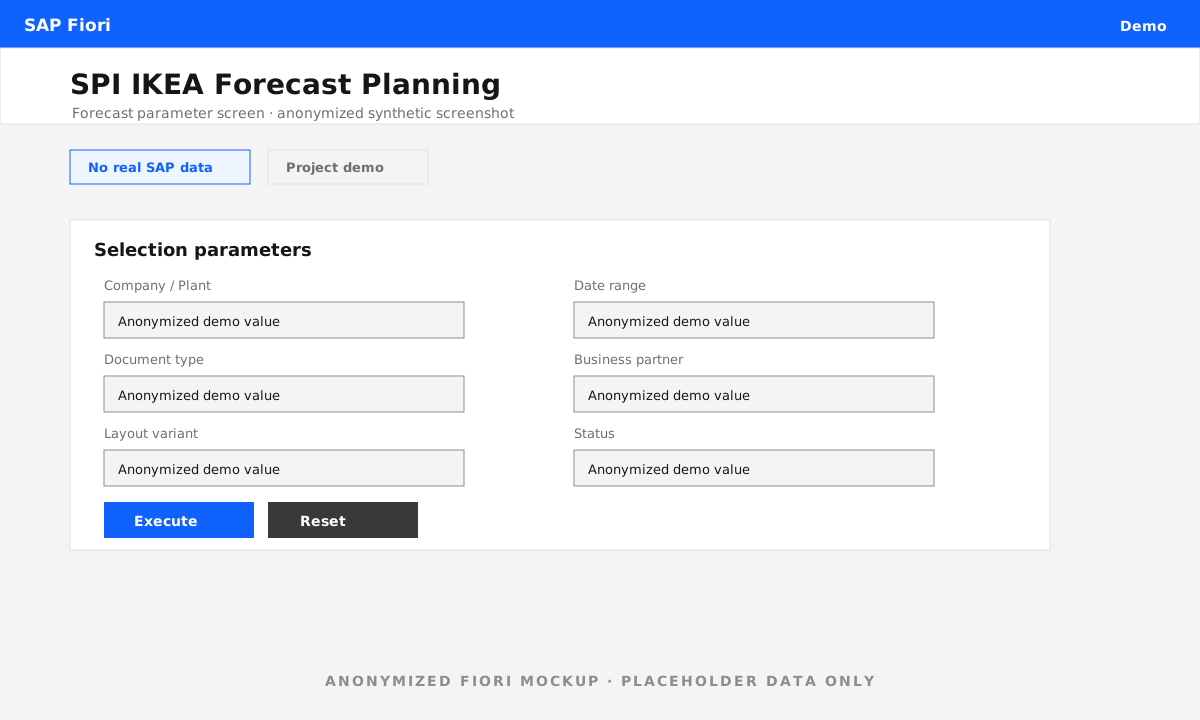
SPI Report — main ALV
Custom SD report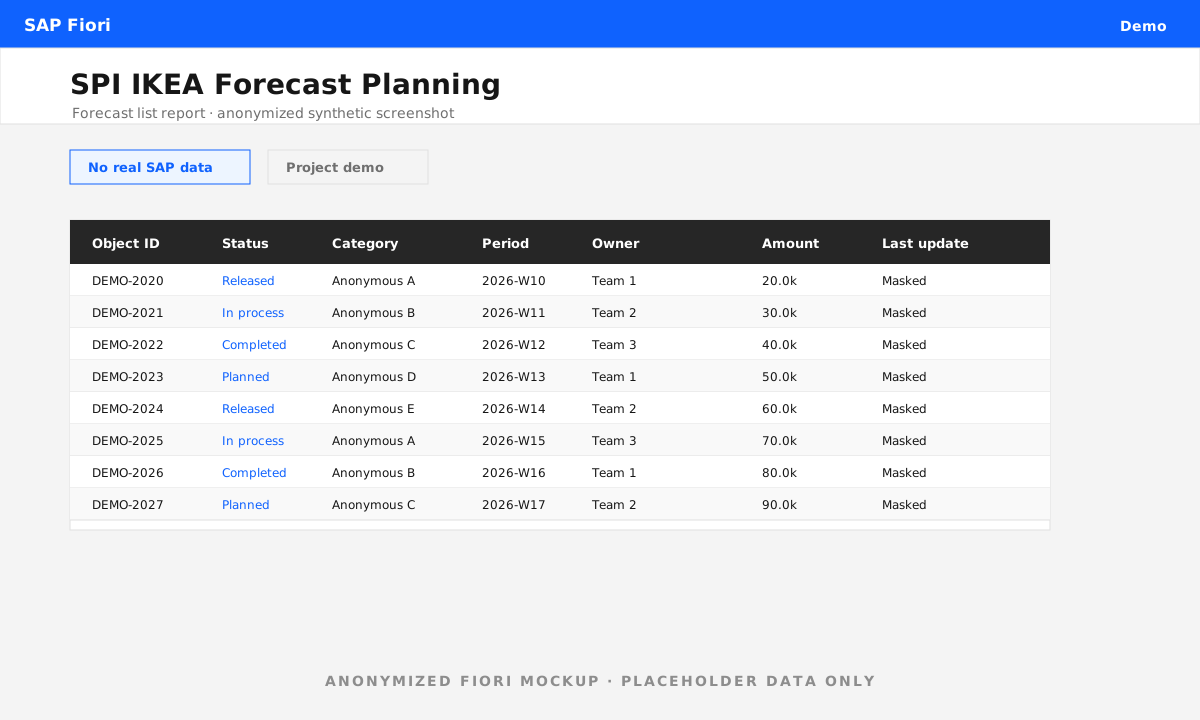
Quantity · Revenue · m² + pie chart
Quantity · Revenue · m²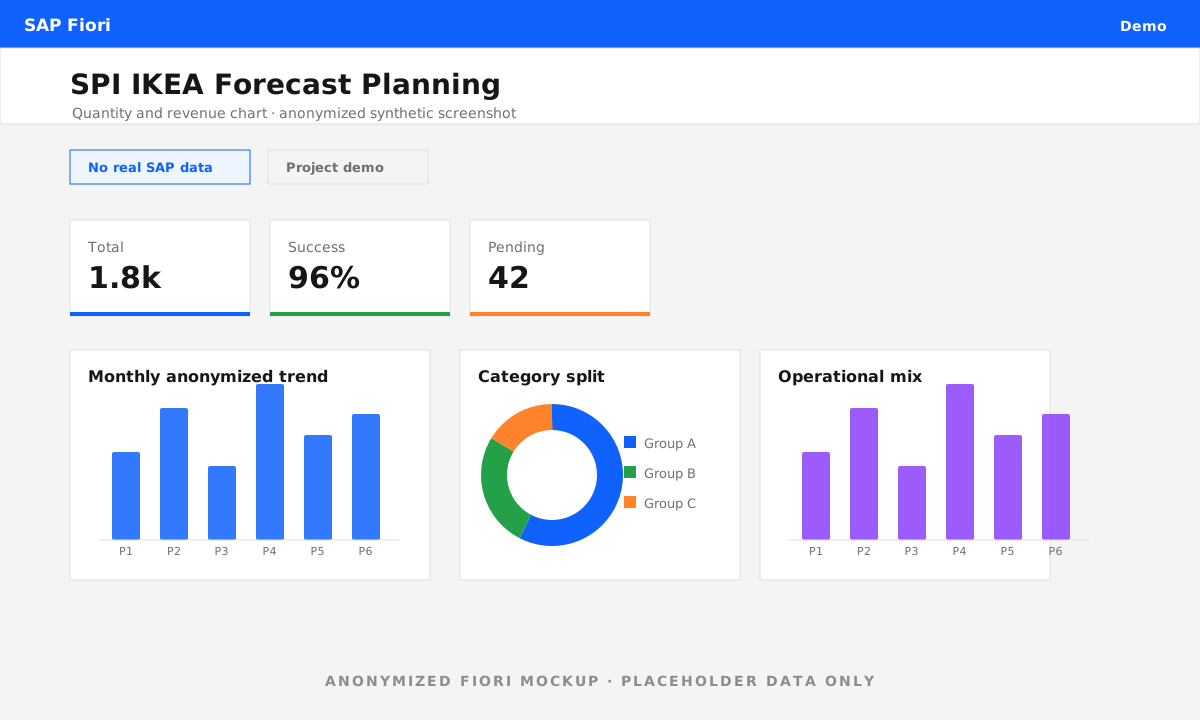
Weekly distribution by design & type
Weekly Distribution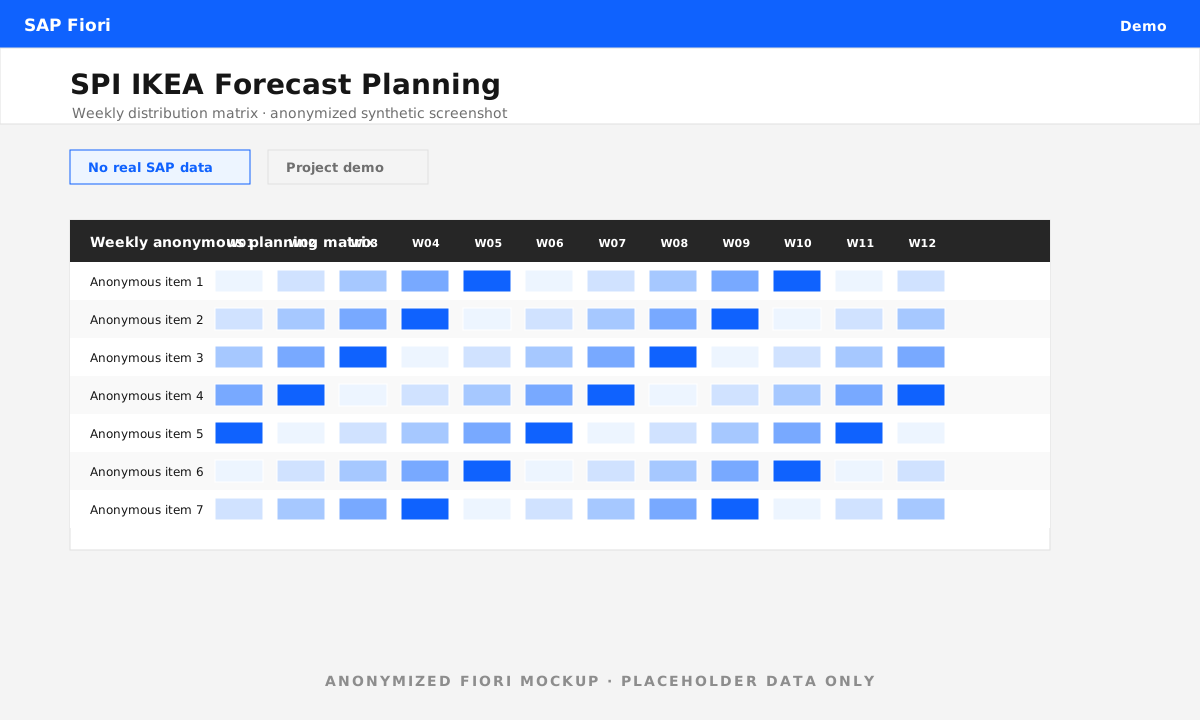
SPI tracking — revision comparison & Δ
SPI Tracking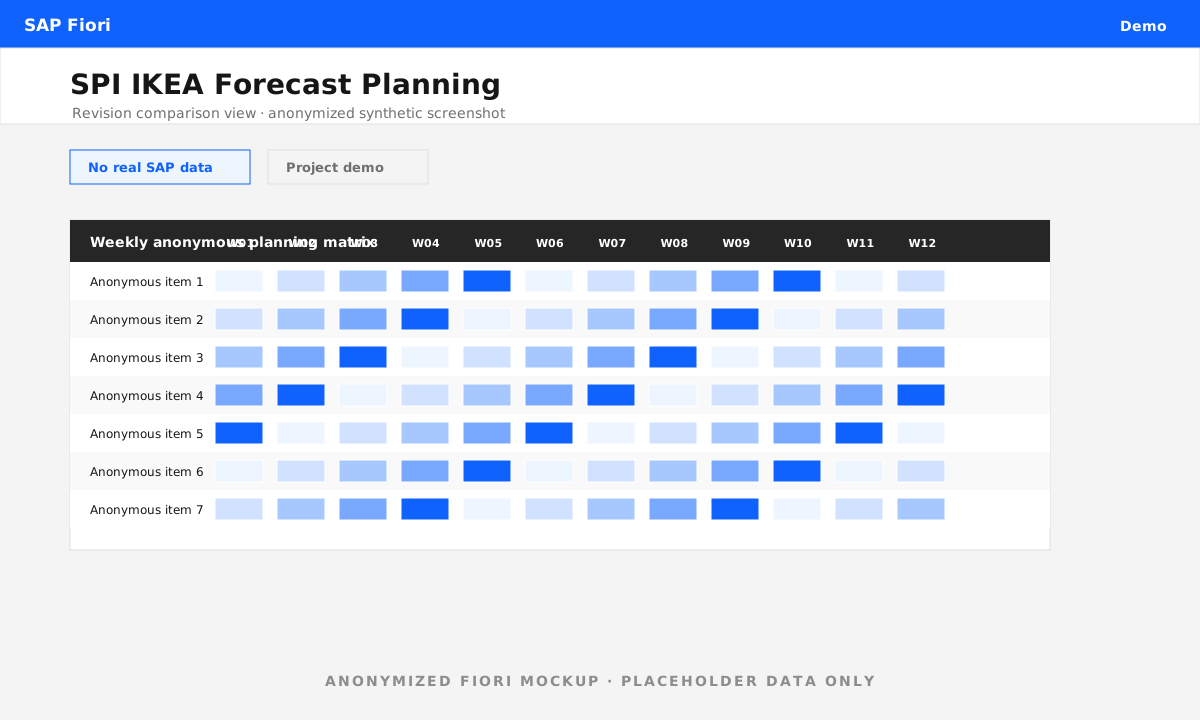
SPI tracking chart
SPI Grafik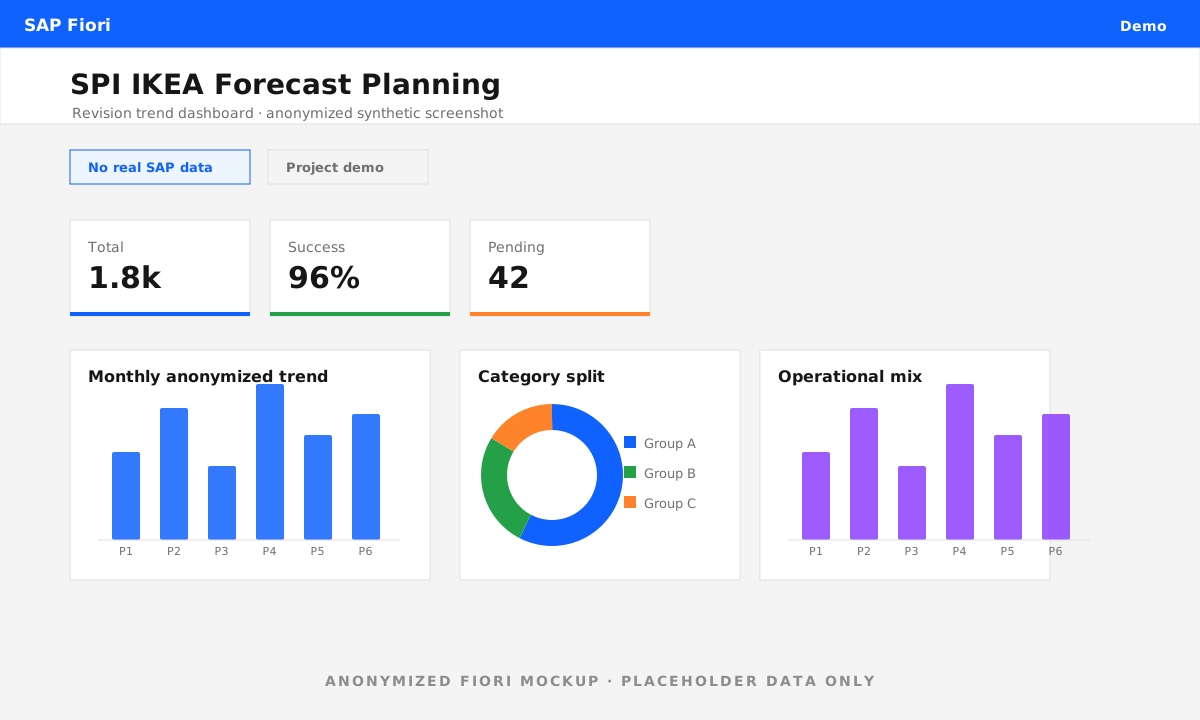
What I built.
End to end — from data model to the decision-support screen the planning team actually opens every week.
- Dynamic data structures — runtime-generated week columns and dynamic internal tables so the report shapes itself to 52 weeks of data.
- ALV Grid screens — field catalogs, totals, layouts and drill-down across all five reports, in the SAP GUI users already know.
- Weekly change logic — percentage and absolute difference (Δ) calculations between forecast revisions and across weeks.
- Graphical visualization — pie, bar and line charts wired to the ALV data for fast, visual interpretation.
- Excel-to-SAP loader — validated upload of IKEA's forecast workbook into SAP as the single source for the whole suite.
- Decision-support design — shaping seven programs into one coherent workflow planners trust to make production calls.
The impact.
Manual forecast control dropped, weekly changes became visible, planning teams got fast analysis instead of spreadsheet archaeology, and IKEA's order forecasts could finally be tracked from a central, readable, comparable screen inside SAP — exactly where the rest of the planning work already lives.
See the other flagship deliveries.
One of 15 case studies delivered at Akça Holding. The Osman Akça logistics platform and the QM Power BI analytics platform sit right alongside it.