Osman Akça Invoice & Export Documentation Report.
A SAP SD/FI invoice control report that connects billing, sales order, delivery, e-document and export declaration data with CIF/FOB financial indicators — turning invoice items into a commercial closing and export compliance screen with freight, insurance, customs, GTIP and due-date tracking.
Five reports, one order-to-export chain.
SalesSales & FOB Report — order, FOB, USD.DeliveryDelivery & E-Doc Report — delivery, batch, e-documents.InvoiceInvoice & Export Report — billing, CIF/FOB. Authorized.ExportExport Logistics Report — shipment, ports, freight.Price-RestrictedPrice-Restricted Invoice — invoice & e-docs, no pricing.From invoice lists to commercial closing control.
The Osman Akça Invoice Report was developed to enable commercial, financial and export documentation tracking of invoice items from a single screen. The report works with company code, sales organization, distribution channel, sales office, billing document, delivery, sales order, billing type, billing date, e-invoice number, customer, material, material group, material type and actual goods issue date criteria.
With this development, Osman Akça invoices can be analyzed not just as standard billing items, but together with sales order, delivery, e-invoice, e-delivery note, export file, customs exit declaration, GTIP, freight, insurance, CIF amount, FOB amount, FOB USD, tax amount, due date and customer country information.
The report's most critical contribution is placing the invoice item at the center of the commercial closing process. Invoice data is linked with sales and delivery references, giving users document flow visibility. A user can navigate from an invoice item to the related billing document (VF03), delivery (VL03N) or sales order (VA03) — making this not just a tracking screen, but an operational control screen.
Why it was built.
Invoice closing required answers from too many places.
After an invoice was created, the work wasn't done. Especially in export operations, the business needed to know: which sales order does this invoice come from? Which delivery? What's the e-invoice number? Is there an export file? What's the customs declaration status? What's the GTIP? How much is freight and insurance? What's the CIF/FOB? When is it due? Standard SAP billing screens don't answer all of these in one view.
A single invoice control screen with export and financial data.
The report consolidates invoice, sales order, delivery, customer, material, e-invoice, e-irsaliye, export declaration, GTIP, freight, insurance, CIF/FOB and due date data into a single ALV. Return/reversal types are included with negative sign correction. Hotspot navigation links to VF03, VL03N and VA03. Editable description fields with authorization control. An invoice summary popup for selected rows.
What the report does.
Invoice analysis, export documentation, e-document integration, CIF/FOB financials, document flow navigation and controlled editing.
Invoice data consolidation
CDS-based invoice data enriched with MARA, KNA1, VBRK, VBAK, VBAP references — customer, material, country, GTIP, sales order and delivery links in one dataset.
E-Fatura & E-İrsaliye
Electronic invoice and delivery note numbers linked via /ITETR/INV_OGINV — connecting SAP billing process with electronic document workflow.
Export documentation
Export file number, customs office, GTIP code and customs exit declaration registration number — all export compliance fields in the invoice output.
CIF / FOB financials
Net value, tax, freight, insurance, CIF and FOB amounts calculated per invoice item. FOB USD via exchange rate conversion for management-level comparability.
Due date & ageing
Due date and remaining days to due date — turning the report into a financial follow-up tool, not just historical invoice tracking.
Document flow navigation
Hotspot links from invoice → VF03, delivery → VL03N and sales order → VA03 — operational control, not just a static list.
Return / reversal handling
Return and reversal invoice types included with negative quantity and amount signs — preserving financial accuracy in the same report.
Editable fields & summary
Authorization-controlled editable description and supplementary unit fields saved to a custom table. Invoice summary popup for selected rows.
Selection screen, ALV output.
Selection screen — entry filters
SAP GUI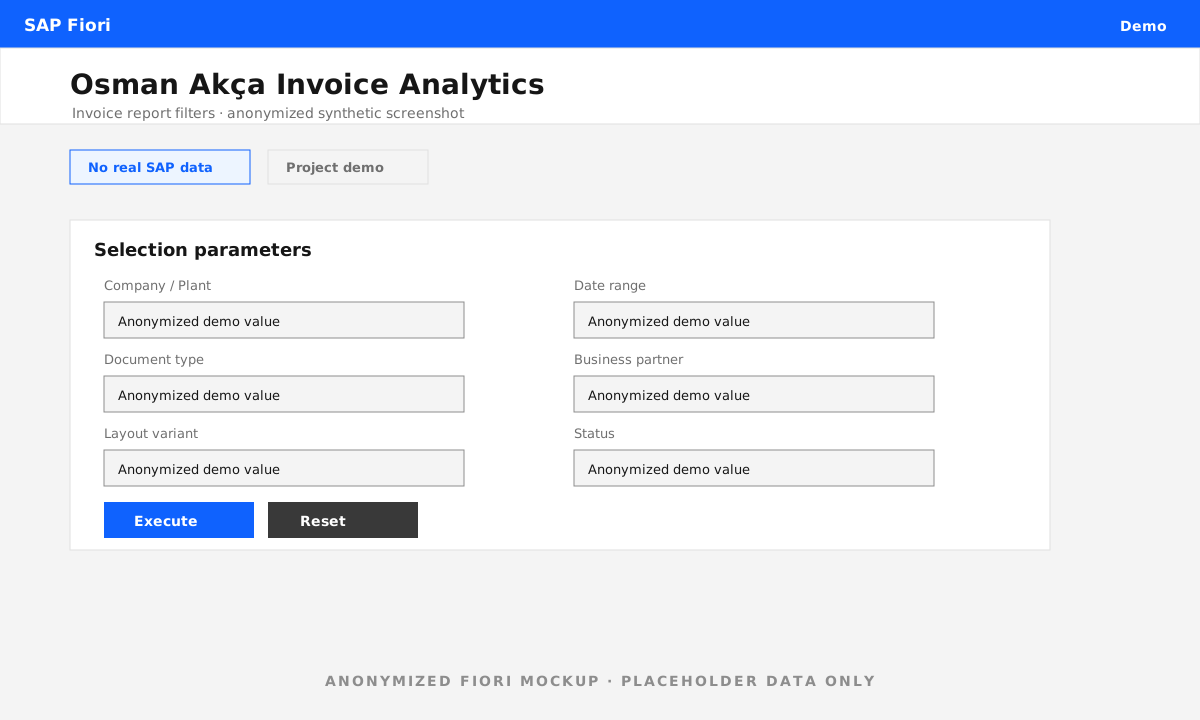
ALV output — invoice & export analysis
SAP GUI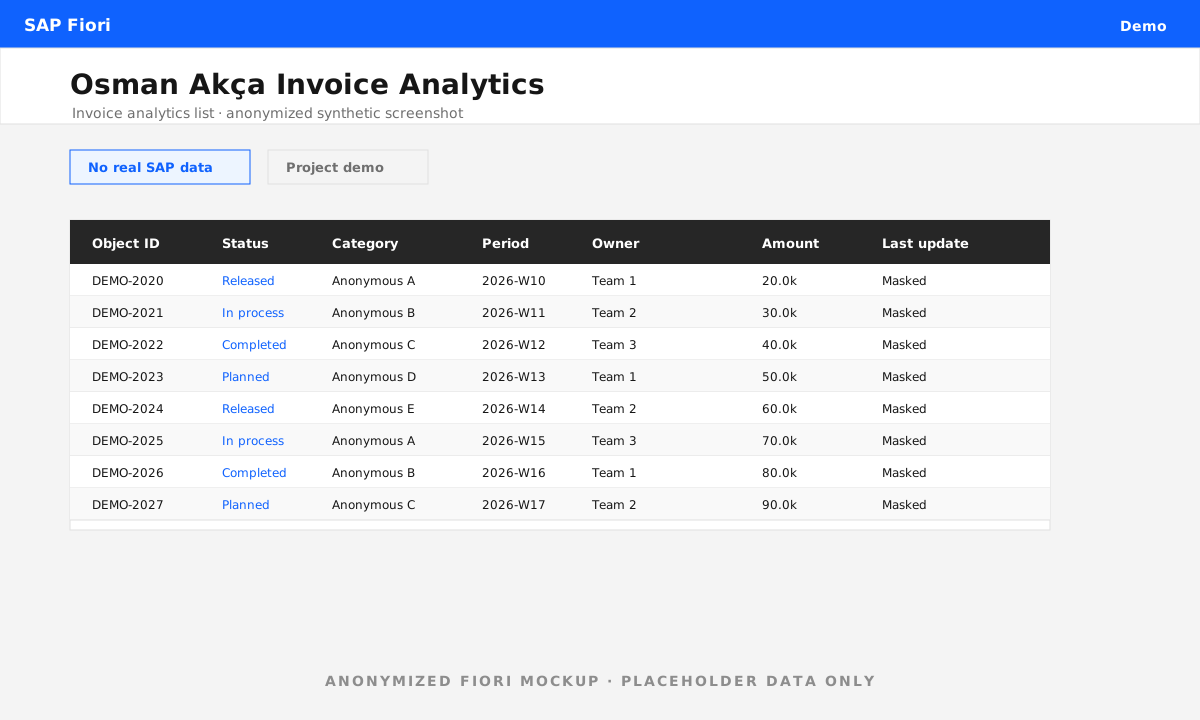
How the data comes together.
A SAP invoice control report that connects billing, sales order, delivery, e-document and export declaration data with CIF/FOB financial indicators — the commercial closing screen the business was missing.
— Project summaryWhat I built.
From CDS data sourcing and export enrichment through CIF/FOB calculation, document flow navigation and controlled editing.
- Custom SAP SD/FI invoice report — developed the full report for Osman Akça invoice and export documentation tracking.
- Selection screen — company code, sales org, billing document, delivery, sales order, billing type/date, e-invoice, customer, material filters.
- CDS-based data consolidation — invoice data enriched with customer, material, country, GTIP, sales order, delivery and e-document information.
- E-Fatura & E-İrsaliye integration — electronic document numbers linked to invoice items via /ITETR/INV_OGINV.
- Export & customs fields — export file, customs office, GTIP and customs declaration registration from /ITTR/IFT tables.
- CIF/FOB financials — net value, tax, freight, insurance, CIF, FOB and FOB USD calculated per invoice item with exchange rate logic.
- Return/reversal sign correction — return and reversal invoice types included with negated quantity and amount fields.
- Due date tracking — due date and remaining days calculated from BKPF for financial follow-up and collection management.
- Document flow navigation — hotspot links from invoice → VF03, delivery → VL03N, sales order → VA03.
- Editable fields & summary popup — authorization-controlled description and unit fields saved to custom table. Invoice summary for selected rows.
- ALV output optimization — layout variants, optimized field catalog texts, toolbar control and column formatting.
The impact.
Invoice, delivery and sales order relationships became trackable from a single screen. E-fatura and e-irsaliye numbers were linked to invoice items. Export file, customs and GTIP information was included in the output. CIF, FOB, freight, insurance and FOB USD fields strengthened commercial analysis. Return/reversal types were included with correct negative sign for financial accuracy. Due date and remaining days supported finance/collection follow-up. Users can navigate to billing, delivery and sales order documents directly from the ALV — making this an operational control screen, not just a list.
See the companion reports.
This invoice report completes the Osman Akça Sales, Delivery & Invoice Reporting Suite — an end-to-end SAP SD reporting package covering sales orders, deliveries, invoices, e-documents and export documentation.